For two or three GPUs and several drives, start with the Fractal Design Define 7 XL. For four dual-slot GPUs, shortlist the Phanteks Enthoo Pro 2 Server V2. Check where your motherboard puts each card before ordering. Fractal Design, Phanteks.
Compare the full towers
| Case | Expansion slots | Listed GPU length | Why shortlist it |
|---|---|---|---|
| Fractal Design Define 7 XL Black Dark TG | 9 | 530 mm listed maximum | Two- or three-card builds with several drives. The dual-layout interior includes a default Storage Layout. Check card clearance with the drive hardware in place. |
| Phanteks Enthoo Pro 2 Server V2 | 11 | 503 mm | Four dual-slot cards when rear expansion room is the priority. The case includes a side bracket that takes three 120 mm fans. |
Fractal and Phanteks list SSI-EEB and E-ATX support. Check your motherboard’s form factor and dimensions against the case specifications. Fractal Design, Phanteks.
Map the cards to the rear slots
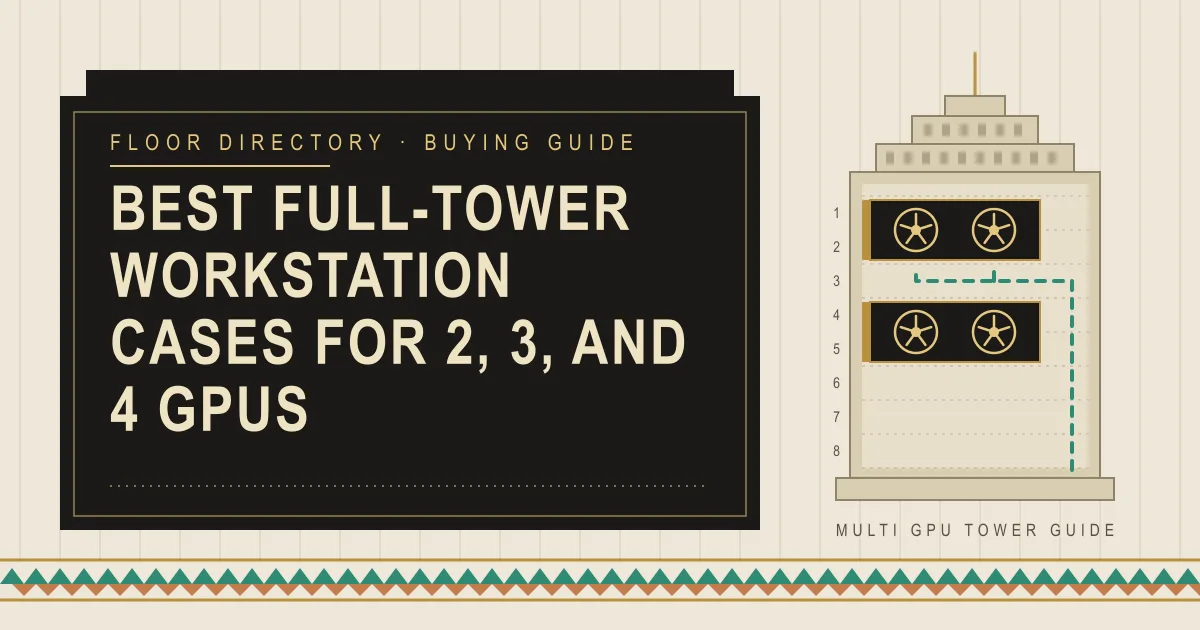
Number the case’s horizontal expansion positions from the top. On the motherboard layout, mark where each usable PCIe socket lines up with a rear position. Starting at each mark, reserve the positions covered by the card and cooler. Check the electrical lane width separately. For example, ASUS lists seven physical x16 connectors on the Pro WS WRX90E-SAGE SE with Threadripper PRO 9000 or 7000 WX processors. One is specified to run in x8 mode. ASUS installation guide, ASUS motherboard specifications.
Here is the arithmetic for hypothetical motherboard layouts and cards that occupy two positions each, such as the NVIDIA RTX PRO 6000 Blackwell Max-Q Workstation Edition. The example start positions must line up with usable sockets on your board. NVIDIA Max-Q specifications.
| GPUs | Example starting positions | Positions occupied | Last rear position needed |
|---|---|---|---|
| Two dual-slot cards | 1, 4 | 1–2 and 4–5 | 5 |
| Three dual-slot cards | 1, 4, 7 | 1–2, 4–5 and 7–8 | 8 |
| Four dual-slot cards | 1, 3, 5, 7 | 1–2, 3–4, 5–6 and 7–8 | 8 |
In the four-card example, the cards sit directly next to one another. If the first card is three slots thick, it occupies positions 1–3 and overlaps the second card’s start. Cards that occupy three slots each need at least nine rear positions for a three-card build or 12 for a four-card build, before allowing for gaps. The RTX 4090 Founders Edition is an example of a three-slot card. NVIDIA RTX 4090 clearance guidance.
Check clearance, cooling and power before ordering
- Length. Compare each card’s length with the case limit for the hardware you plan to install. A hypothetical 460 mm card is shorter than the Enthoo Pro 2 Server V2’s listed 503 mm limit. Phanteks clearance specifications.
- Cable room. Check the distance from the card’s power connector to the side panel against the GPU maker’s cable clearance guidance. For the 304 mm RTX 4090 Founders Edition, NVIDIA calls for an additional 36 mm of space for power cables. NVIDIA RTX 4090 clearance guidance.
- Airflow. Mark the intake and exhaust fan positions on your slot plan. Check the gap at each card’s intake and keep cables out of the airflow path. NVIDIA says leaving space equivalent to an unused expansion slot will typically improve airflow around the RTX 4090 Founders Edition. NVIDIA RTX 4090 clearance guidance, NVIDIA multi-GPU playbook.
- Power and connectors. Add up the published maximum power for the cards, then size the supply for the whole system. Four Max-Q cards at 300 W each total 1,200 W for the GPUs alone. Check that the PSU fits the case mount and has the required cables for each card. NVIDIA Max-Q specifications, NVIDIA multi-GPU playbook, ASUS power connection guidance.
For installation and drivers, see the ASUS graphics card installation guide. For component selection and AI software setup, see the NVIDIA multi-GPU playbook.
Evidence and limits. Manufacturer product specifications for the models named above and build guidance from ASUS and NVIDIA were checked on November 27, 2026. No hardware fit, cooling, or power tests were performed.


