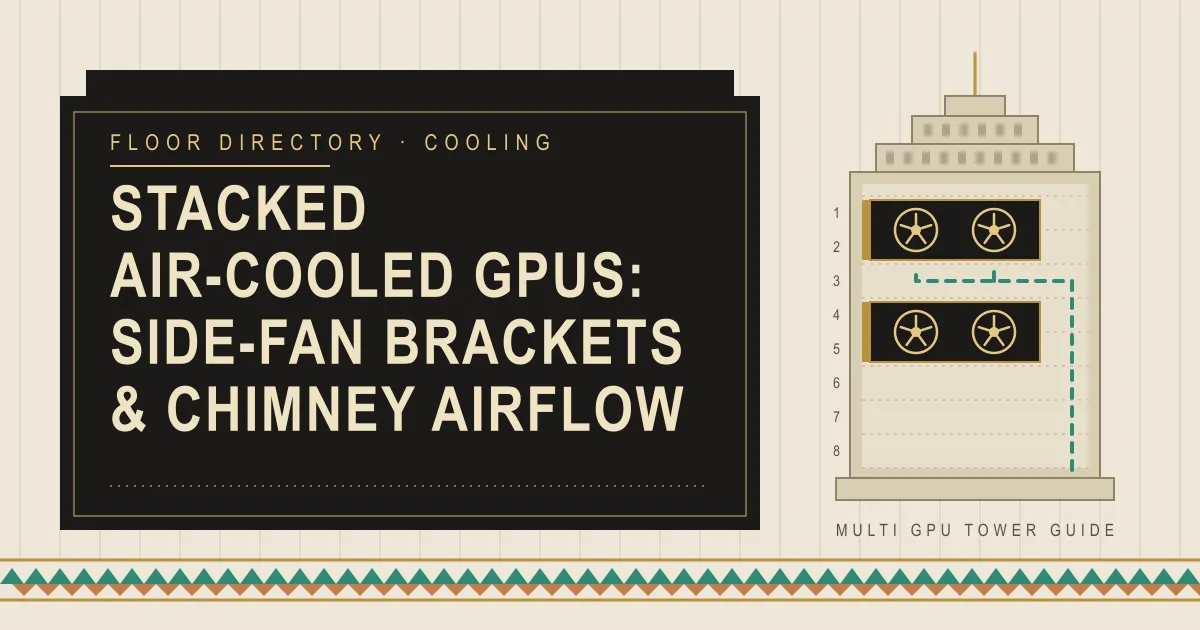
For stacked air-cooled GPUs, start by checking that each card’s fans have room to draw air. Set side-bracket fans to intake and rear fans to exhaust, with top exhaust if fitted. For a chimney layout, put intake fans at the bottom and exhaust fans at the top. NVIDIA’s multi-GPU playbook · NZXT’s fan placement guide
Check GPU and bracket clearance
- Map the motherboard slots. Find which slots support your card configuration and check their lane allocation in the motherboard manual. Compare the cards’ published dimensions with the space at those slots and the case limits. NVIDIA’s motherboard guidance · ASUS assembly guidelines
- Look at each card’s fan inlets. Check whether a neighboring card crowds an inlet. NVIDIA flags adjacent air-cooled GeForce RTX 5090s as a cooling concern and recommends routing cables behind the motherboard tray to keep the gap between cards clear. NVIDIA multi-GPU PC playbook
- Check the bracket with the power leads included. On the Fractal Design North XL Mesh, the high side-bracket position allows up to 192 mm of GPU width, including connectors and cables. The low position allows up to 162 mm. If a card and its leads exceed 162 mm, the low position is out. Fractal Design North XL GPU compatibility
Choose a fan layout
| Layout | Intake | Exhaust | Where to use it |
|---|---|---|---|
| Side intake | Side | Rear and, if fitted, top | Use a vented side mount. NZXT fan placement · Lian Li side panel |
| Chimney | Bottom | Top | Use a case with vented bottom and top mounts. NZXT fan placement · Lian Li case specifications |
| Side and bottom intake | Side and bottom | Rear and top | Corsair shows this layout on the 2500X and 2500X RGB. Corsair fan layouts |
The Lian Li O11 Dynamic EVO XL has separate side, bottom and top brackets. For a bottom-to-top layout in this case, put intake fans on the bottom bracket and exhaust fans on the top bracket. The side bracket is available for the combined layout if the installed hardware leaves room. Lian Li case specifications · NZXT fan placement
Check which side mount your case manual means. The Phanteks Enthoo Pro II Server Edition TG lists a left-side bracket for direct GPU and CPU cooling separately from its standard side fan position. Phanteks bracket and fan specifications
Fit the side fans
Shut down and unplug the PC before working inside it. ASUS graphics card assembly guidelines
- On the O11 Dynamic EVO XL, release the side bracket’s quick latch. Choose the bracket orientation for your fan position. The side mount takes up to three 120 mm fans or three 140 mm fans. Lian Li bracket instructions and specifications
- Orient each fan before tightening it. If the frame has an airflow arrow, point it into the case for intake or out for exhaust. NZXT fan orientation
- Before sharing a motherboard fan header, check its current rating in the motherboard specifications. Follow the fan maker’s limit for that rating. ARCTIC P12 Pro PST manual
Check each GPU under load
Record a baseline, change one part of the fan layout, then repeat the same workload for the same duration. Compare each card’s temperature and check utilization to see whether it was under load in both runs. ASUS ROG’s comparison method · NVIDIA device monitoring documentation
On supported NVIDIA GPUs running on bare-metal 64-bit Linux, nvidia-smi dmon displays per-GPU monitoring data, including temperature and utilization when available. Run it during the workload and press Ctrl+C to stop. NVIDIA device monitoring documentation
nvidia-smi dmonEvidence and limits. The cited case specifications, fan guides and NVIDIA’s online Device Monitoring reference were checked on November 27, 2026. No assembly or thermal checks were performed for this article.


