Shortlist the Phanteks Enthoo Pro 2 Server Edition if your workstation needs 11 rear expansion openings and a bracket for a server power supply. The SilverStone ALTA D1 is the modular dual-ATX-PSU option and offers 11 expansion openings with its modular kit removed. Choose the Corsair 9000D RGB Airflow if eight horizontal openings serve your main board and your build calls for two 480 mm radiators in the front or roof. Phanteks specifications · ALTA D1 specifications · Corsair specifications · Corsair quick-start guide
Expansion slots, board fit and GPU length
| Case | Rear expansion openings | Motherboard support | Published GPU length |
|---|---|---|---|
| Phanteks Enthoo Pro 2 Server Edition | 11 PCI openings | SSI-EEB, XL-ATX, E-ATX, ATX, Micro-ATX and Mini-ITX | 503 mm for both the tempered-glass PH-ES620PTG_BK02 and closed-panel PH-ES620PC_BK02 |
| SilverStone ALTA D1, SST-ALD1B | 11 with the modular kit removed, 7 with it installed | SSI-EEB, SSI-CEB, XL-ATX, E-ATX, ATX, Micro-ATX, Mini-ITX and a specialized 15.12 × 13.2 in format | 407 mm without front-mounted fans. ALTA D1 specifications |
| Corsair 9000D RGB Airflow, CC-9011273-WW | 8 horizontal or 4 vertical for the main board, plus 2 vertical for the secondary Mini-ITX board | SSI-EEB, E-ATX, ATX, Micro-ATX and Mini-ITX | 580 mm in the product specifications and 400 mm in the quick-start guide |
If your card exceeds 400 mm, confirm clearance with Corsair for your planned layout before ordering. Corsair specifications · Corsair quick-start guide
Map your cards before buying
- Start with the motherboard layout. For each GPU, mark the rear opening aligned with the motherboard connector you intend to use, then mark the neighboring openings occupied by the card. Use the slot count for your chosen case configuration. Phanteks specifications · ALTA D1 specifications · Corsair quick-start guide
- Compare the length of each card with the table. If you plan to keep the ALTA D1’s front fans, check the space with those fans in place. Its published card width limit is 186 mm with the GPU brace installed and 194 mm with it removed. Phanteks specifications · ALTA D1 specifications · Corsair quick-start guide
- Check the planned cooling mounts against the space you need for the cards. For the 9000D’s side 360 mm fan mount, Corsair specifies top fans of at least 140 mm or removal of the inner row of 120 mm top fans. Corsair quick-start guide
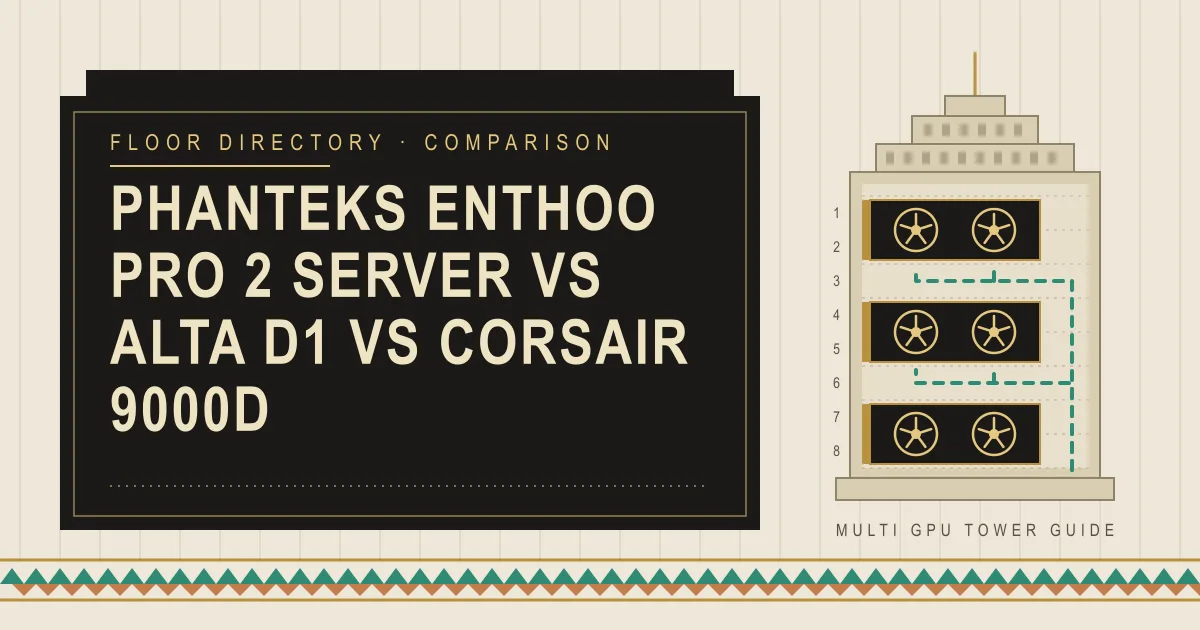
Worked example. Suppose three cards each take up three consecutive openings and start at rear positions 1, 4 and 7. They occupy positions 1–3, 4–6 and 7–9. The ninth position falls within the published slot counts for the Phanteks and the ALTA D1 with the kit removed. It falls beyond the ALTA D1’s seven openings with the kit installed and the 9000D’s eight horizontal main-board openings. This is a rear-opening check. Use the length and cooling checks above for the rest of the layout. Phanteks specifications · ALTA D1 specifications · Corsair specifications
Cooling and PSU layout
- Phanteks Enthoo Pro 2 Server Edition. The included left-side bracket takes three 120 mm fans for direct GPU and CPU cooling. Phanteks lists side radiator support up to 480 mm and includes brackets for GPU support and a server PSU. Tempered-glass specifications · Closed-panel specifications
- SilverStone ALTA D1. The case supports two standard PS2 (ATX) power supplies. The side fan/radiator brackets support radiators up to 360 mm. The bottom mount supports up to 360 mm with the modular kit removed. ALTA D1 specifications
- Corsair 9000D RGB Airflow. The quick-start guide lists two 480 mm radiator positions at the front and two at the top. The main PSU position takes an ATX unit. The secondary position takes an SFX or SFX-L unit for the optional Mini-ITX system. Corsair specifications · Corsair quick-start guide
Evidence and limits. Phanteks, Tekwind and Corsair specifications for the listed models and Corsair’s online quick-start guide were checked on November 26, 2026. No systems were assembled or tested for this comparison.


